
Android Auto
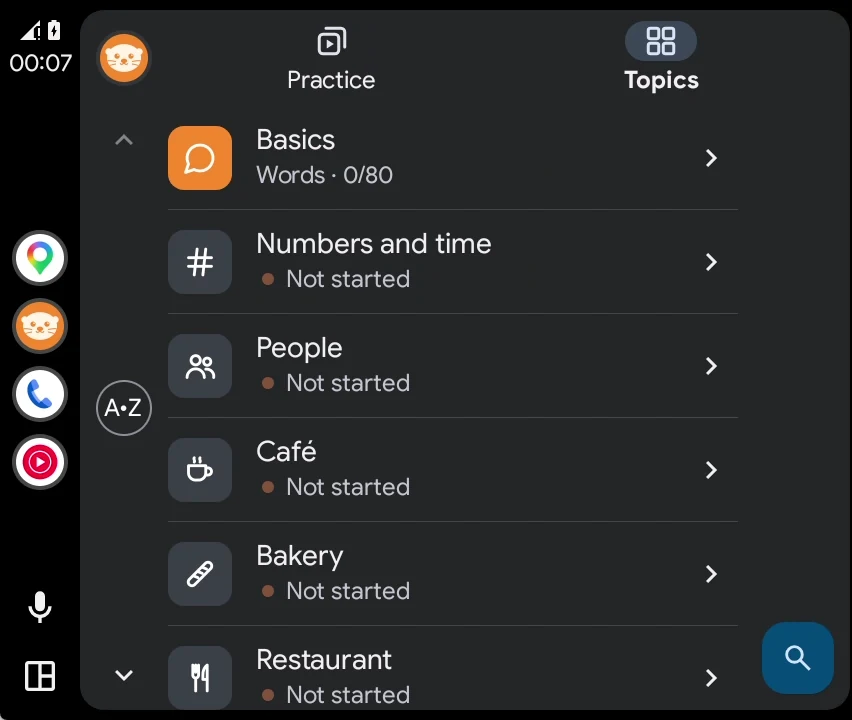
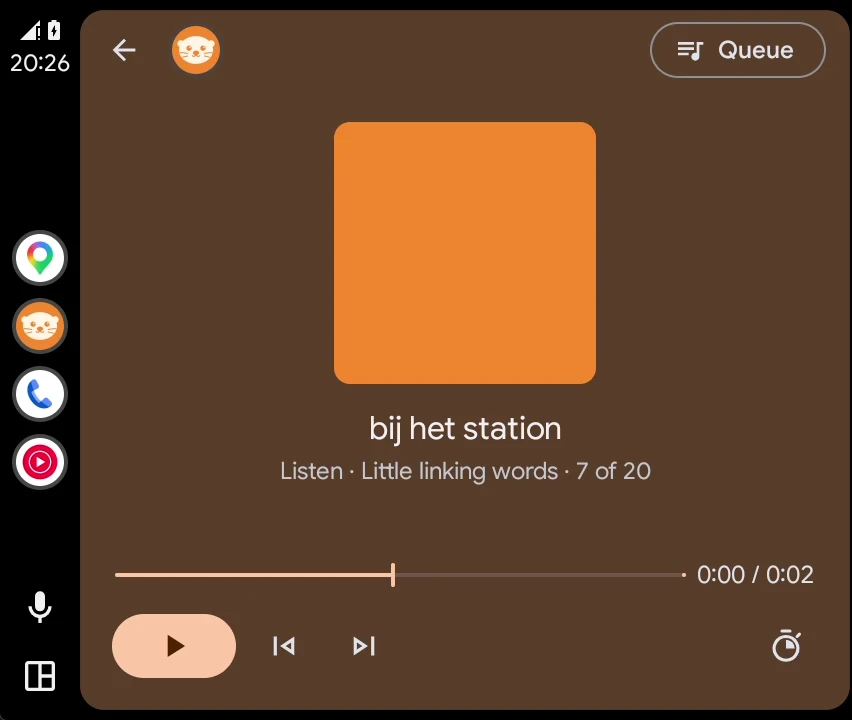
Ottli plays like any audio app; the car screen shows a short list of lessons and what is playing.
Audio language course for the car
Ottli says a phrase, gives you a moment to say it in French, German, Dutch or Spanish, then plays the answer. Card after card, with your steering wheel buttons.
For Android and Android Auto. iPhone and CarPlay are coming.
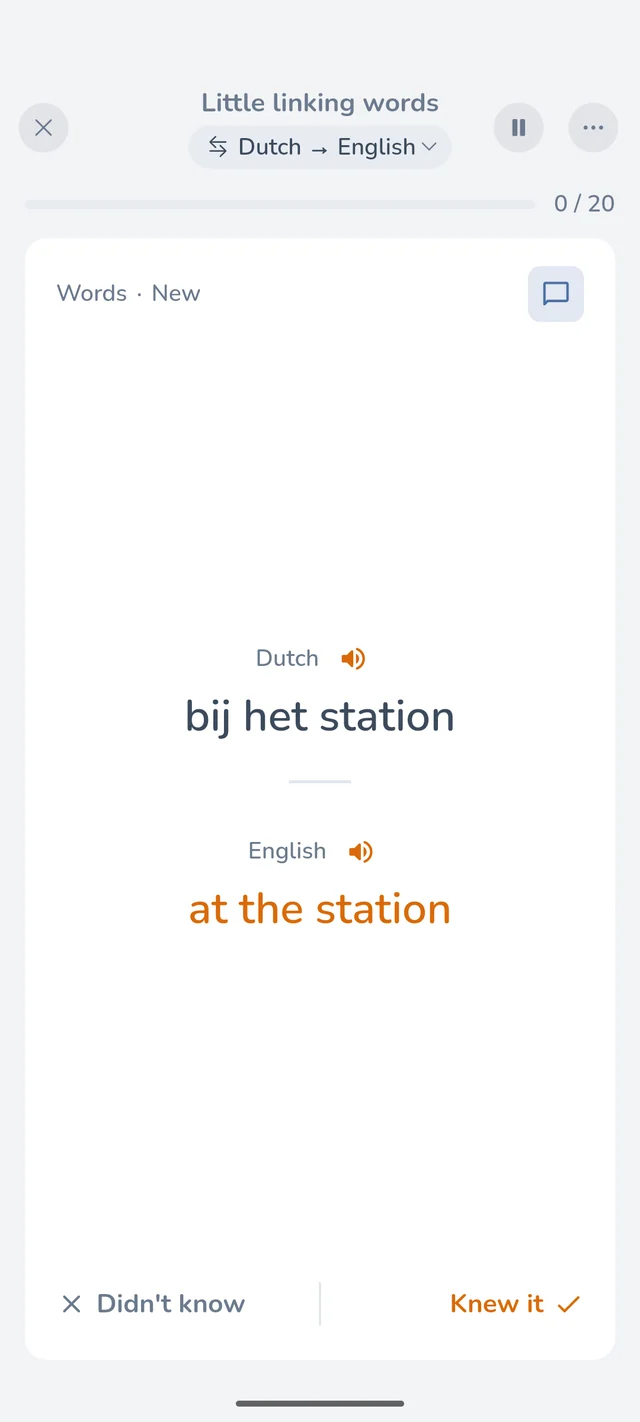
Ottli says a word or phrase in your own language.
In the pause, you say it in the language you learn: out loud if you can, in your head works too. Ottli doesn't check.
Ottli plays the answer, then the next card starts by itself.
Every topic has these three levels. A level opens when you know the cards before it.
Start Ottli before you leave. On the road there is nothing to read or tap.
Ottli plays like any audio app; the car screen shows a short list of lessons and what is playing.
Tap the car button on your phone before you leave: the Drive screen plays the lesson by itself. Put the phone away and use the buttons on your steering wheel.
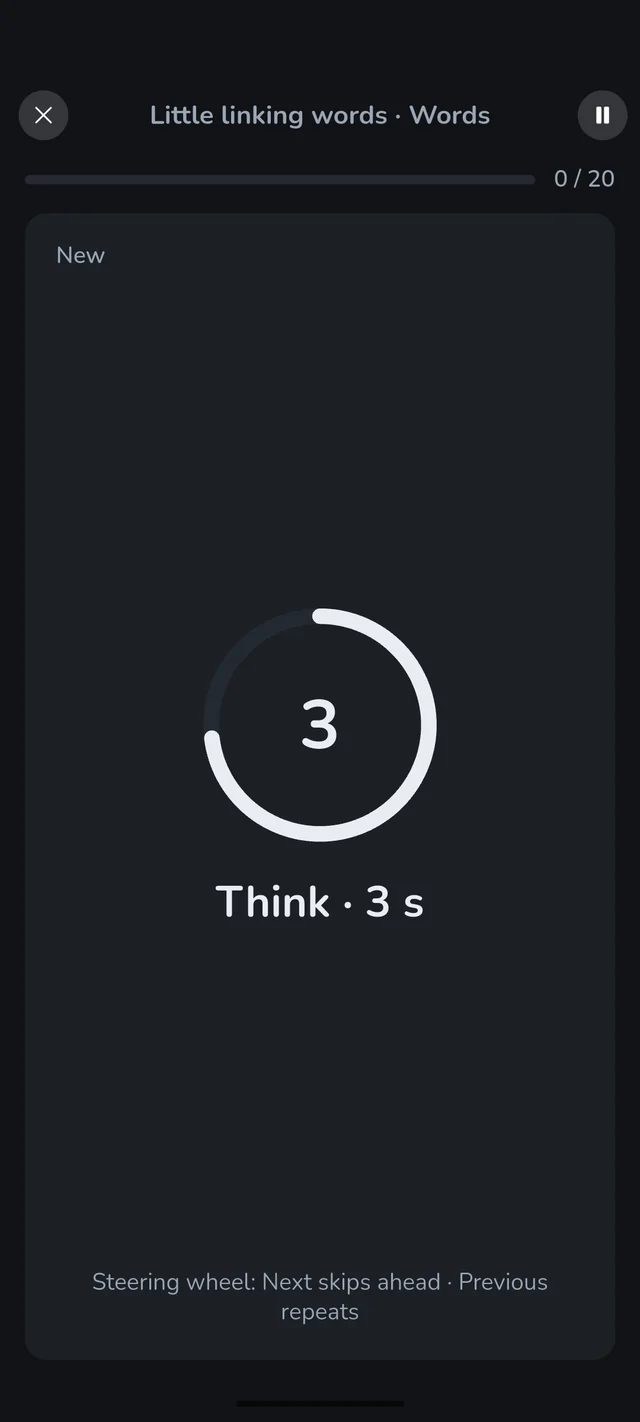
On the phone you set the pace and see the words. In the car and on the phone, every card counts towards the same progress.
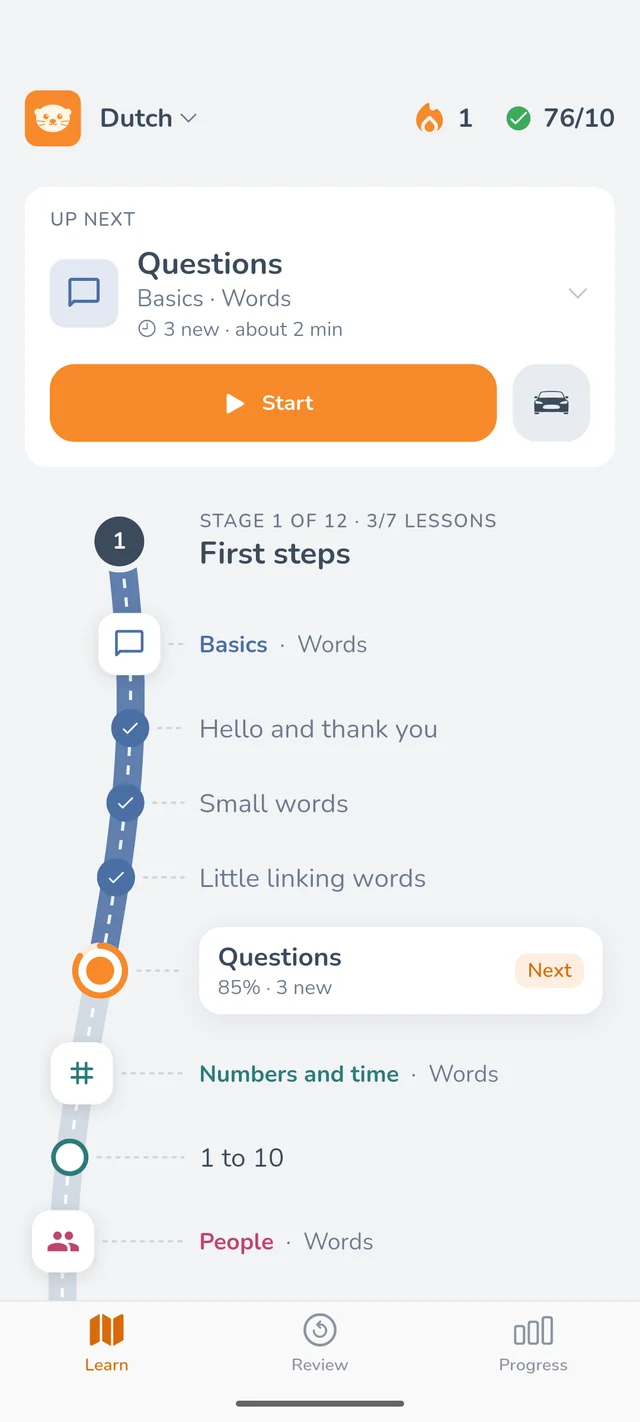
Words first, then short sentences, then conversation: every lesson on one road, in stages. Start plays the cards that are due, then the next lesson.
You hear the phrase and see it on the card. Tap the card for the answer, then tap or swipe right if you knew it, left if you didn't.
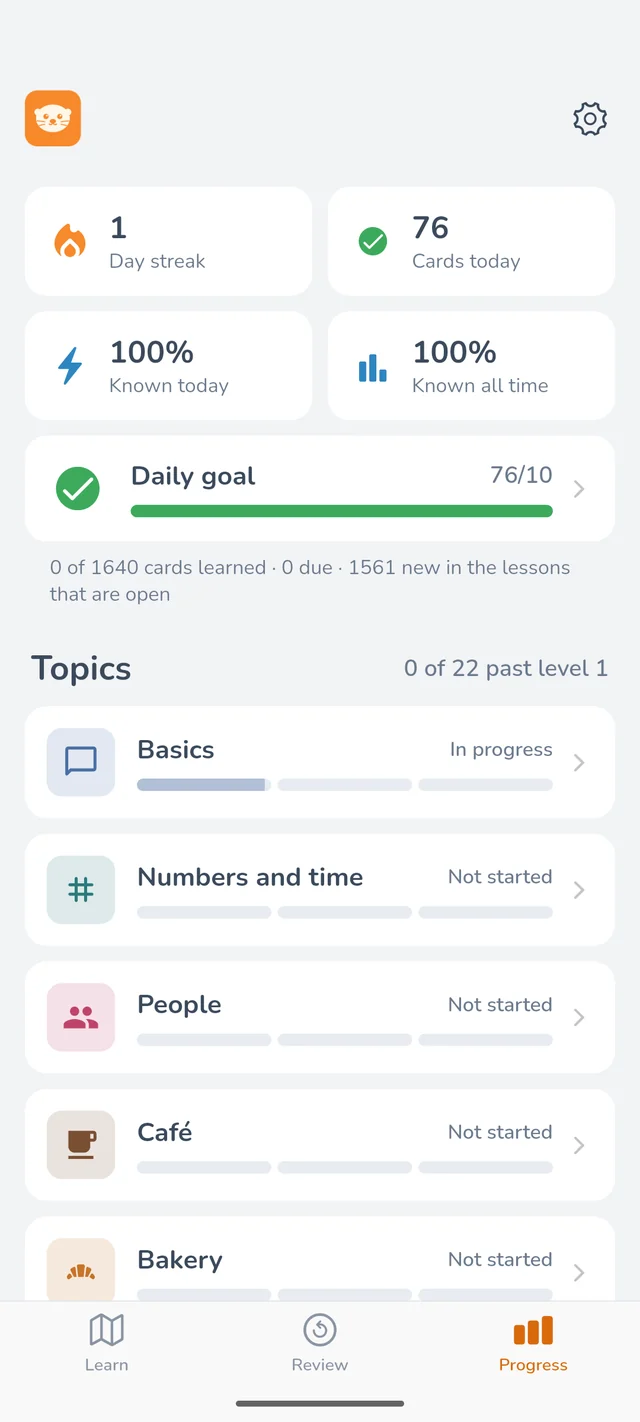
Ten cards a day keeps you going. Every topic shows its three levels as bars. No games, no coins.
Ottli starts with French, German, Dutch and Spanish. More languages will follow, and each language keeps its own progress.
Deux croissants, s'il vous plaît.
Zwei Croissants, bitte.
Twee croissants, alstublieft.
Dos cruasanes, por favor.
The first part of every course is free: the basics, numbers, the people around you, the café and the bakery, in the car and on your phone.
Ottli is made to be listened to, like a podcast. You answer in the pauses, out loud or to yourself, and nothing is checked or scored. Start it before you leave; on the road you only need the Next and Previous buttons on your steering wheel, or nothing at all.
Any car with Android Auto, and any car that plays your phone over Bluetooth.
French, German, Dutch and Spanish. More languages will follow; tell us which one you would like at support@ottli.app.
No. All audio is on your phone, so Ottli works offline.
You start for free: the first part of every course, in the car and on your phone.
iPhone and CarPlay are coming after the Android release.
More on the support page, or email support@ottli.app.
Ottli is in a closed test on Android. Email us the Google account on your phone and we will send you an invite.